Link management for agencies: branded links across every client
Managing links for one brand is easy. Managing them for a dozen clients, each with their own domain, their own campaigns, and their own reporting, is where you need separate workspaces, domains and roles. Here is how that works in Urlicer, and which plan each part needs.
A workspace per client
Keep each client's links, members and settings in their own workspace. Invite the client's team, or keep it agency-only, and their links never mingle with another workspace's. Each workspace has one Owner, and everyone else joins as an Admin, Member or Viewer. Viewers can see links and analytics but not change them, and only Admins and the Owner can manage domains and API keys.
More than one workspace starts on the Team plan ($29 a month, 3 workspaces). Business has no workspace limit, and Pro has one workspace.
A branded domain for each client
Put each client on their own branded domain, so the short links carry the client's name instead of a shared short domain or your agency's. Custom domains start on Pro (2 domains); Team allows 10 and Business has no limit. See branded links and per-client workspaces for how the setup works.
Bulk tools and reporting
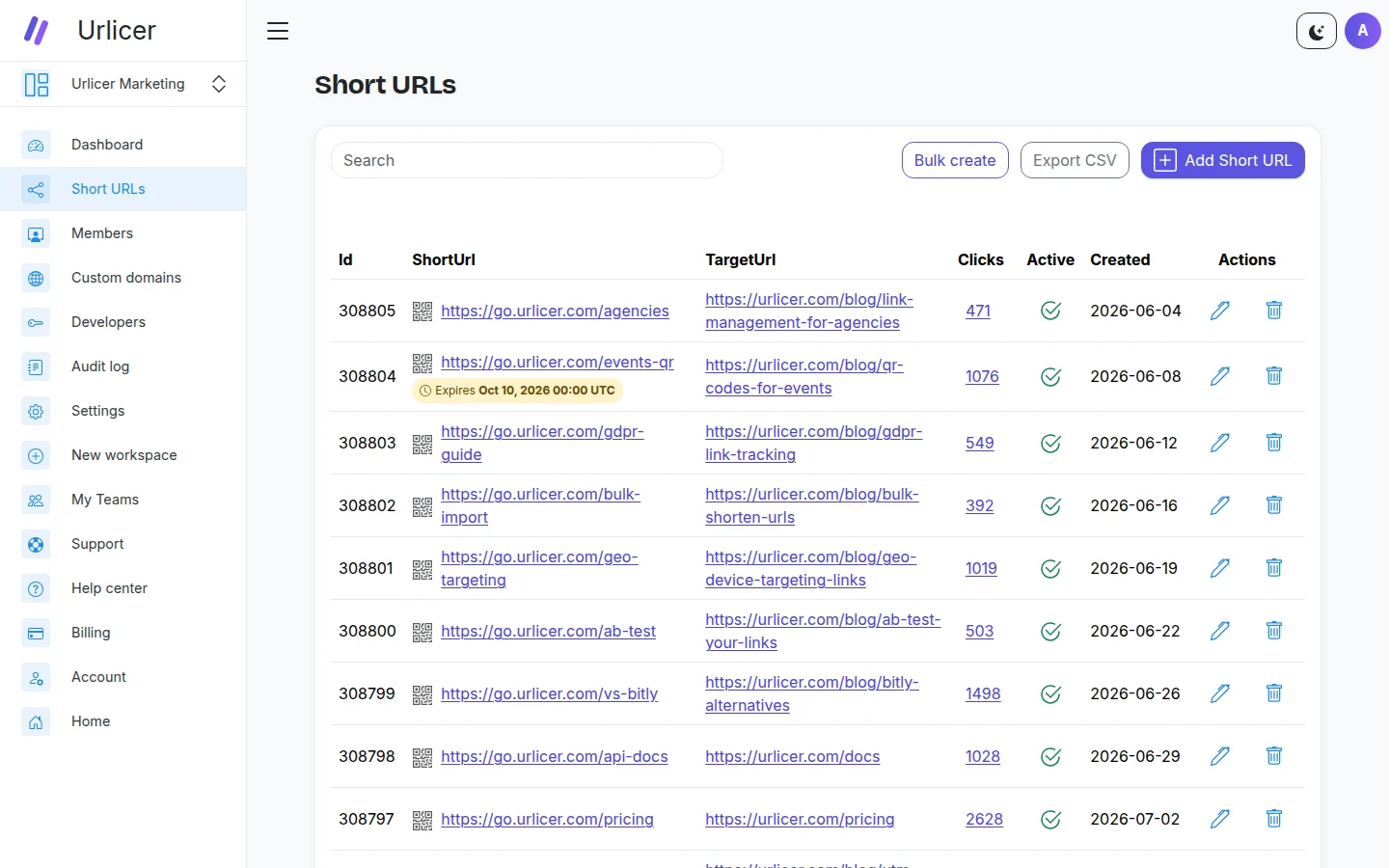
- Bulk creation: turn a campaign spreadsheet into hundreds of tracked, QR-ready links in one go (Pro and up).
- Analytics and CSV export: click analytics come with every plan. CSV export, for pulling the numbers into the monthly client report, starts on Pro.
- Branded QR codes: colours, shapes and frames on every plan, with the client's logo in the centre from Team up.
- An API: create links from your own dashboards and workflows. It is on every plan, free included.
Scales with the roster
As you add clients, you add workspaces and domains. Team gives you 3 workspaces, 10 seats and 10 domains, and Business removes all three limits; see pricing to match a plan to your roster.
A workspace per client starts on the Team plan. See how branded links and workspaces work, or start with a free account.