One short link, the right page for each visitor
Send visitors to different pages by country, device, operating system or browser language, or split them across several versions of a page. It happens at the redirect, so there is nothing to install on your site.
- Up to 20 rules on a link, and the first match wins
- iPhones to the App Store and Android to Google Play, from one link
- Both are on the Team plan, $29 a month
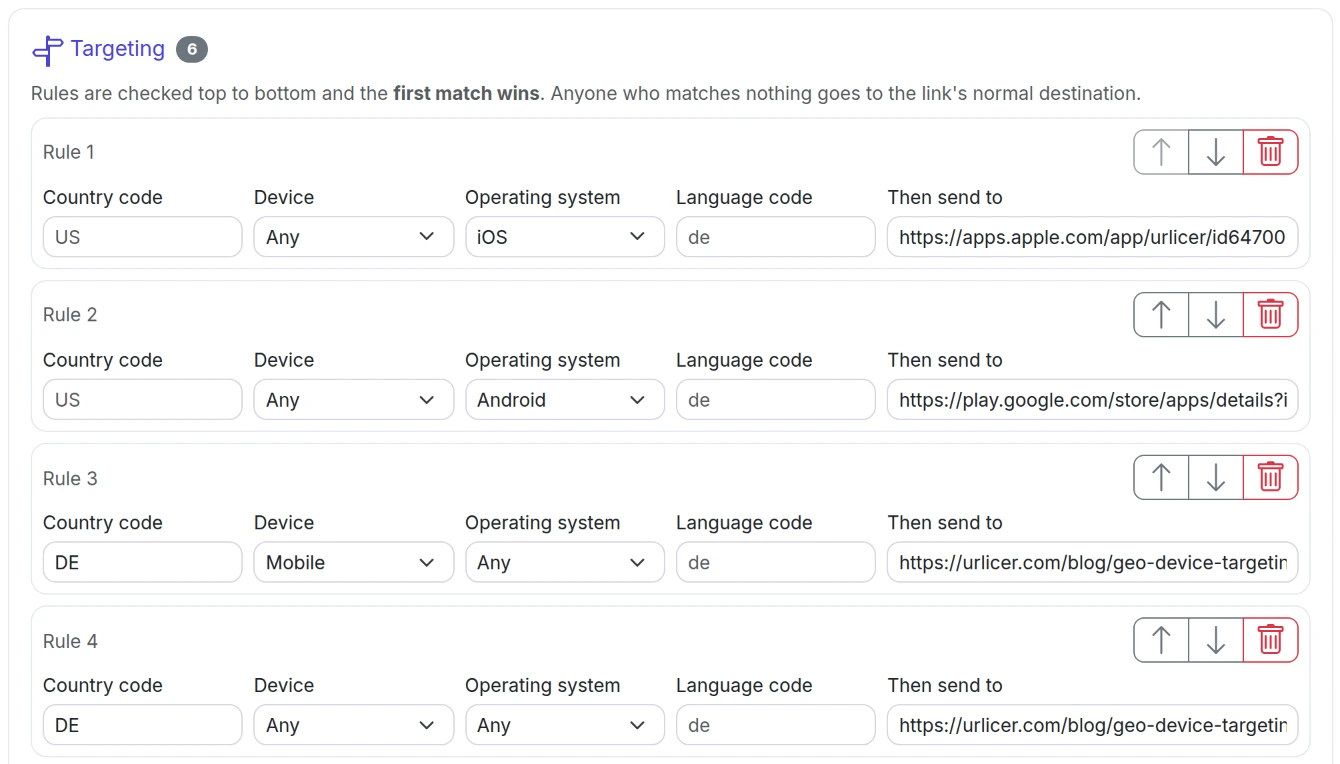
Targeting
A rule has one or more conditions and a destination. Rules are checked from top to bottom. Visitors who match none go to the link's normal destination.
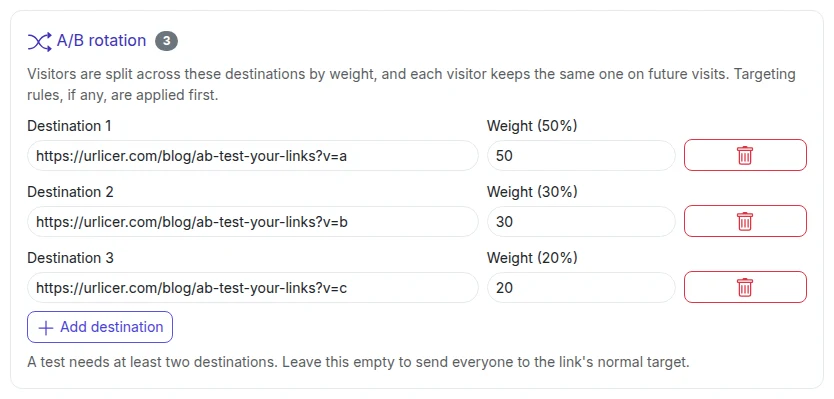
A/B rotation
Share visitors across two to ten destinations, by weight. A visitor keeps getting the same one for 30 days, and analytics show clicks and unique visitors for each version.
Campaign tags that follow
One click copies the main destination's campaign tags to a rule or a version, and each version gets its own utm_content so you can tell them apart in your own analytics.
Splitting a link
Add a destination for each version and give it a weight. The form shows each one's share as a percentage. Weights of 3 and 1 send three quarters of visitors to the first.
What it measures: clicks per version. What happens after the click, a signup or a sale, happens on your site, so the winner is read in your own analytics from the campaign tags.
What people use it for
- One QR code on packaging that opens the App Store on an iPhone and Google Play on Android.
- One link in an ad that lands German visitors on the German page and everyone else on the main one.
- Two versions of a landing page under the same link, without changing the ad.
- A printed link whose rules you change later. The code on the paper stays the same.
Frequently asked questions
What can a rule match on?
What if a link has both rules and a rotation?
How does a visitor keep the same version?
Where does the country come from?
Does it tell iPads from iPhones?
Which plan do I need?
Make one link do the sorting
Start free, and add rules when a campaign needs them.
Start free See pricing