Split traffic with A/B rotation
A/B rotation splits a link's visitors across several destinations so you can compare them, for example two versions of a landing page. It is available on the Team plan and above.
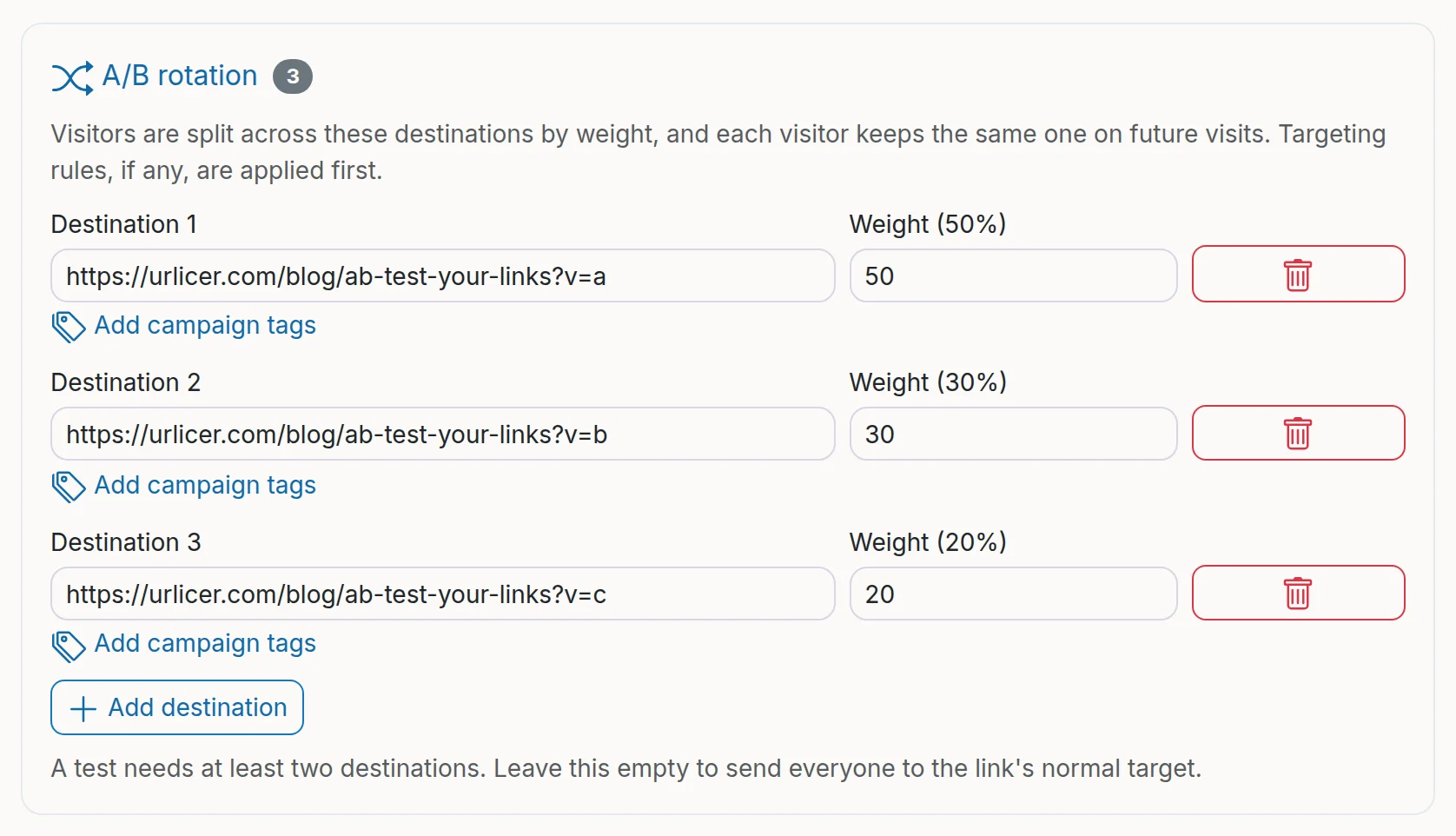
Open a link in the app, open the Routing card and click A/B rotation. Click Add destination for each page you want in the test. A test needs at least two destinations and can have up to ten.
Each destination has a weight between 1 and 1000. Visitors are shared out in proportion to the weights, and the form shows each destination's share as a percentage. Two destinations with a weight of 1 each get half the visitors each. Weights of 3 and 1 send three quarters of visitors to the first.
A visitor keeps getting the same destination on later visits. To do that, Urlicer sets a cookie for the short link that lasts 30 days. It holds only the number of the destination the visitor was given and isn't used to track them (see privacy and cookies).
If the link also has targeting rules, those are checked first. Only visitors who match no rule go into the rotation.
To tell the destinations apart in your own web analytics, Add campaign tags copies the main destination's campaign tags to each one, with utm_content=variant-1, variant-2 and so on. The option shows when the main destination already has campaign tags.
To end the test, remove the destinations. The link then sends everyone to its normal destination.
Still need a hand?
Contact support