Targeting by country, device, OS or language
Targeting lets one short link send different visitors to different places. For example, visitors in Germany can go to your German site while everyone else goes to the main one. Targeting is available on the Team plan and above.
Open a link in the app, open the Routing card and click Targeting. Click Add rule, then fill in one or more conditions and a destination under Then send to:
- Country: a two-letter country code, such as US or DE. Each rule takes one country.
- Device: mobile, tablet or desktop.
- Operating system: iOS or Android. Use it to send iPhones to the App Store and Android phones to Google Play. An iPad showing the desktop version of sites, which is Safari's default, identifies itself as a Mac and matches neither.
- Language: a two-letter language code, such as de. It is compared with the first language set in the visitor's browser.
Leave a condition blank to match anything. A rule needs at least one condition and a destination. If a rule has more than one condition, a visitor has to match all of them.
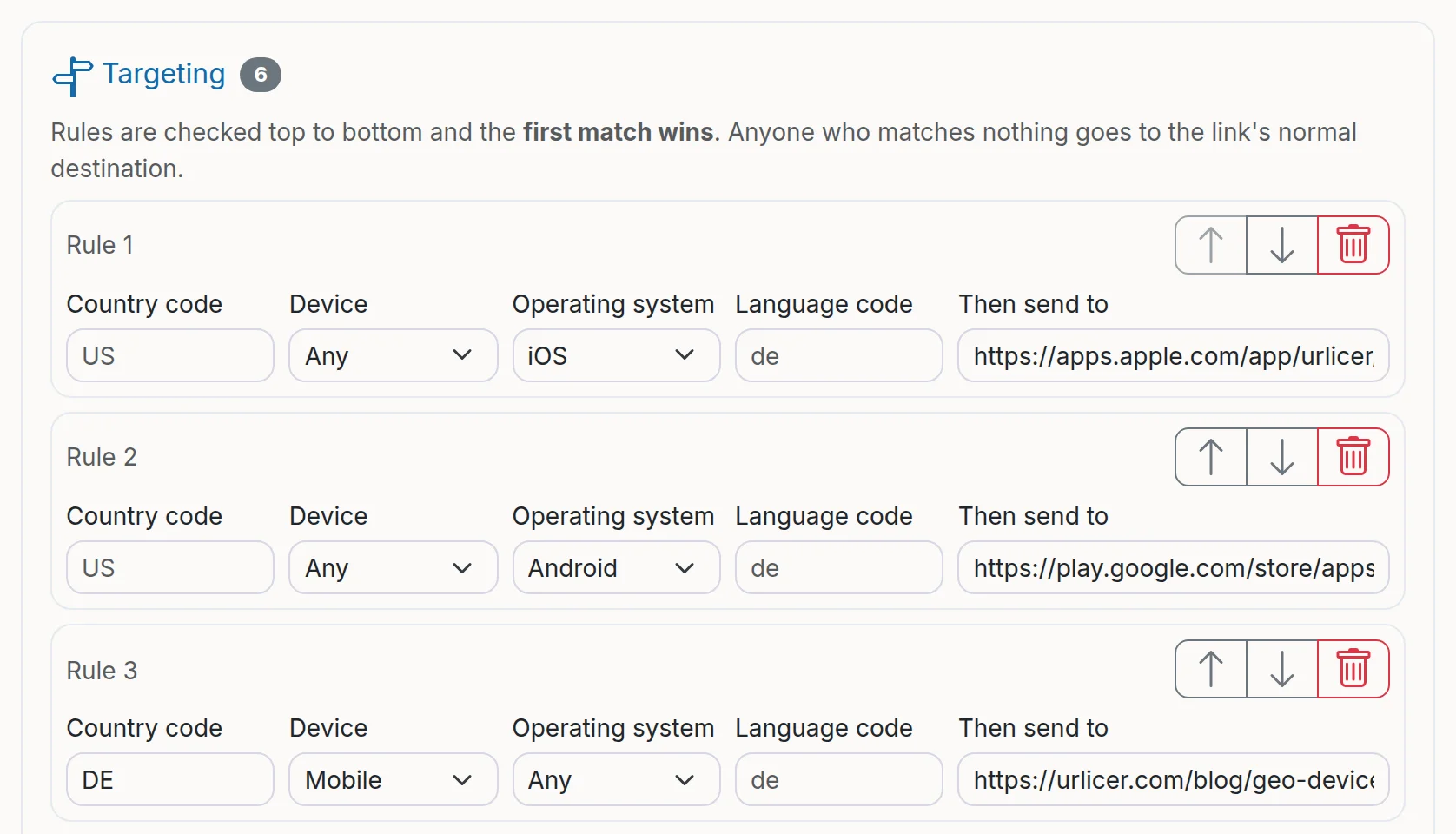
A link can have up to 20 rules. They are checked from top to bottom and the first rule that matches wins, so put the most specific rules first. Use the arrows to move a rule up or down. Visitors who match no rule go to the link's normal destination.
If your main destination has campaign tags, Add campaign tags copies them to a rule's destination so you can tell the traffic apart in your own web analytics.
If the link also uses A/B rotation, targeting rules are checked first. The country comes from the visitor's IP address, which is hashed and never stored (see privacy and cookies).
Still need a hand?
Contact support