Workspaces & members
Invite members to your team
To add someone to a workspace, send them an invitation by email and choose the role they should have. The owner and Admins can send invitations. The person you invite receives a link to join after signing in with that email address.
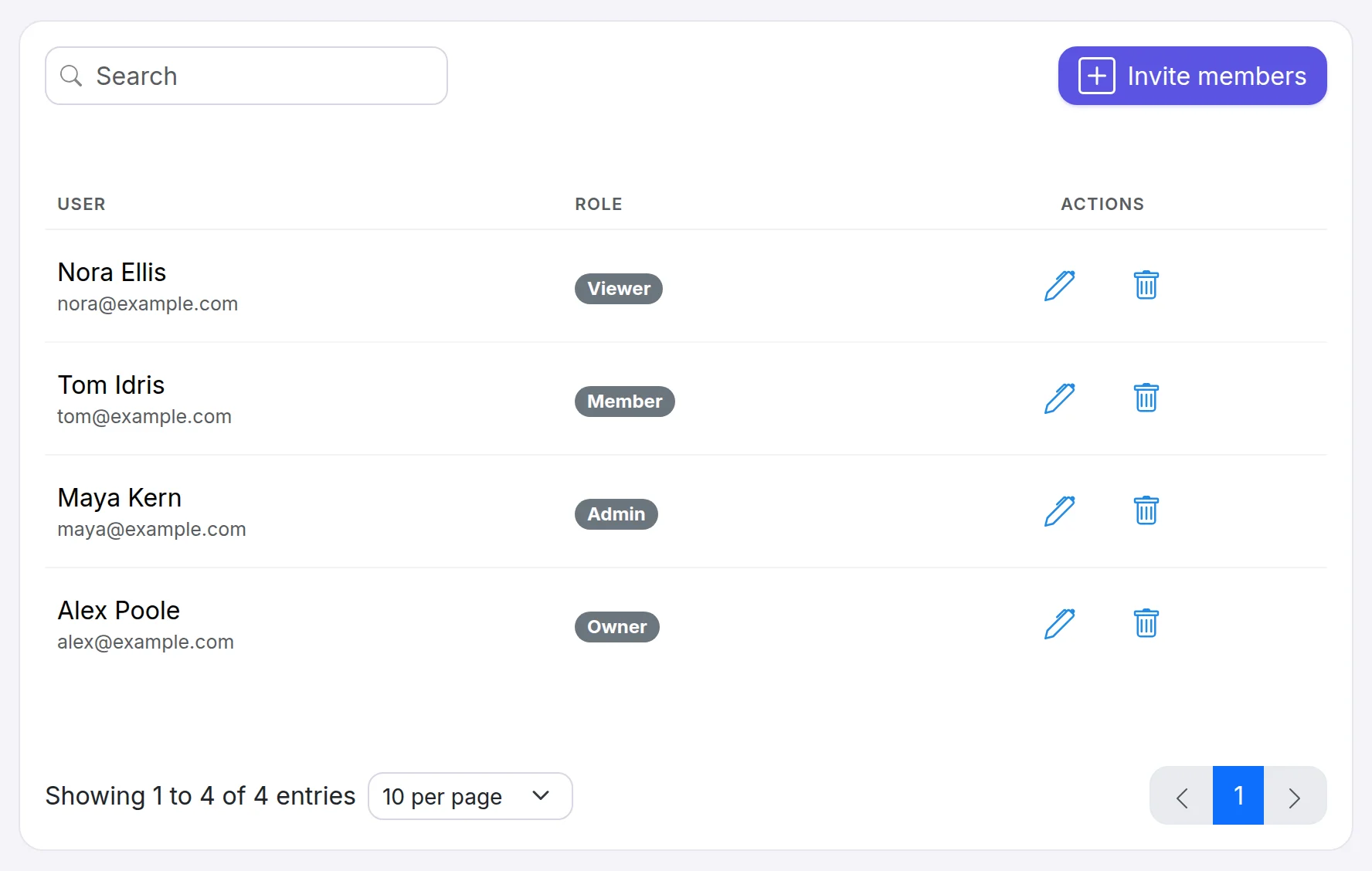
- Pending invitations are listed until they are accepted, and you can revoke one at any time. An invitation expires after 7 days. If it runs out, send a new one.
- Each member counts toward your plan's member limit, and the owner counts as one. Pending invitations count too, so revoke the ones you no longer need (see plans & limits).
- A workspace can have 3 members on Pro, 10 on Team and any number on Business. On Free the owner is the only member, so inviting teammates needs a paid plan.
Still need a hand?
Contact support