QR codes for your links
Every short link has a QR code, on every plan and with no limit on how many. Open a link, or find it in your list, and choose QR code to view and download it.
On every plan you can change the colors, use a gradient, pick the shape of the dots and the corner markers, add a frame with your own text, and download the code as a PNG. Pro and above can also download it as an SVG, which stays sharp at any print size.
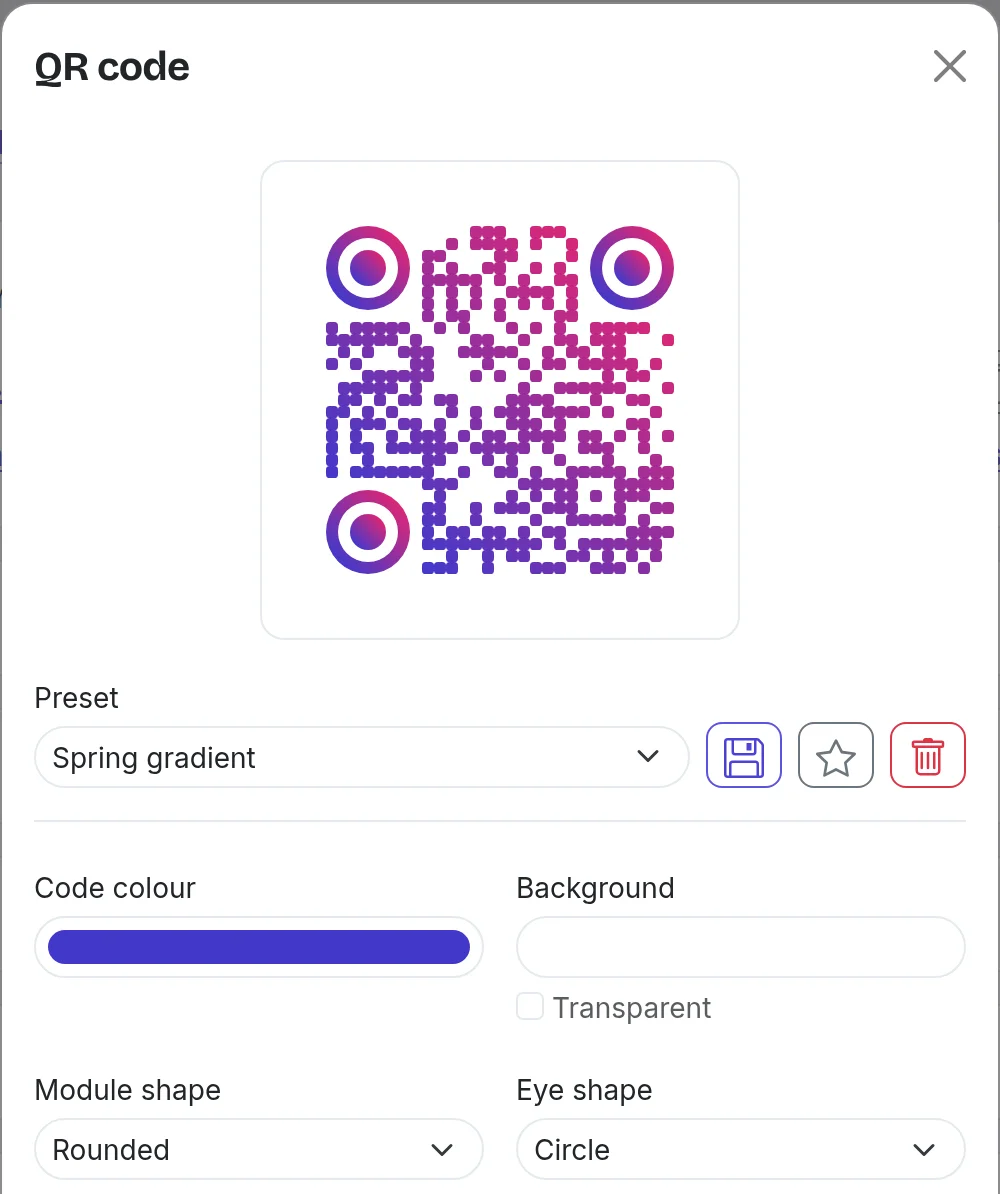
Team and above can put a logo in the center of the code and save a style as a preset to reuse across the workspace. The logo is uploaded on the workspace's Settings page.
Scans are tracked too: in your analytics you can tell QR scans apart from regular clicks, so you know how your offline placements are performing. See traffic sources for more.
Still need a hand?
Contact support